Aegis Shield Mobile6.2.0
Publisher Description
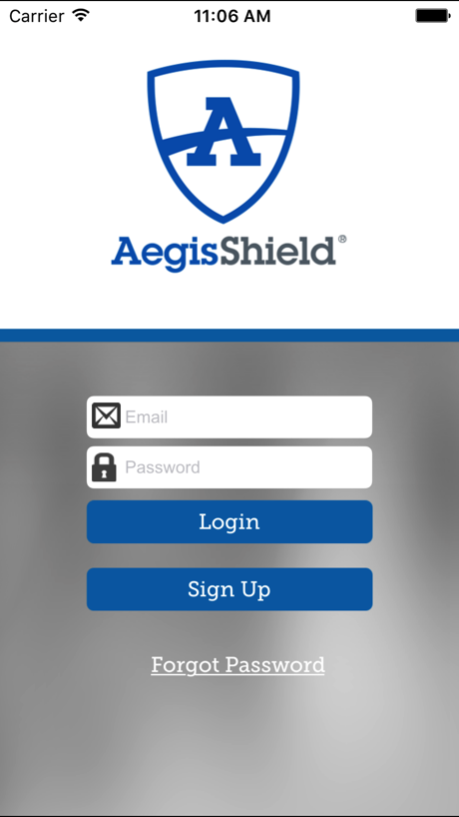
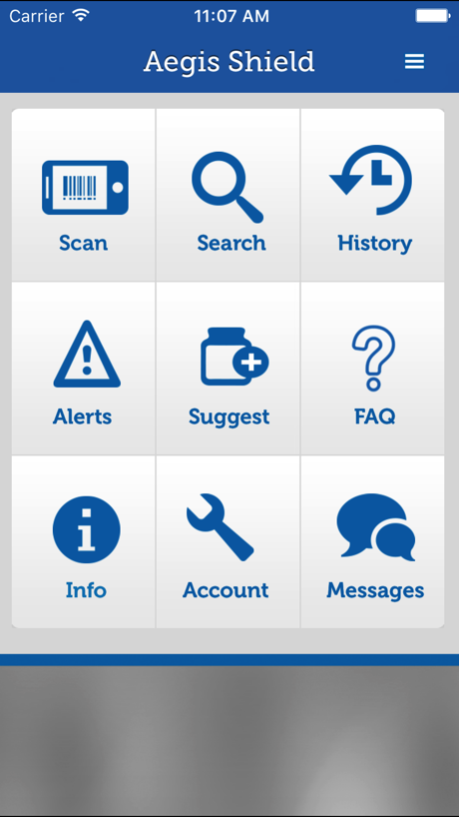
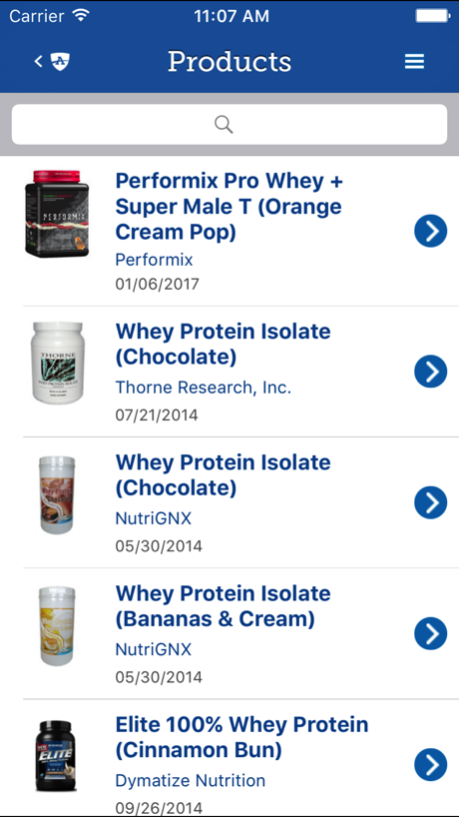
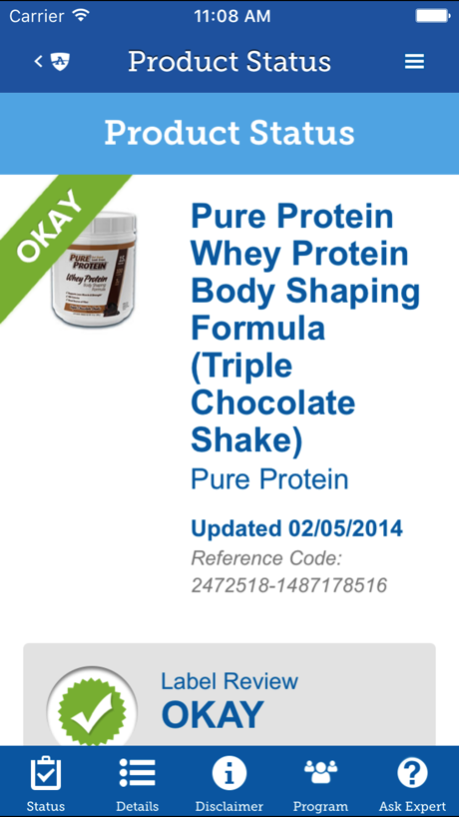
Aegis Shield was created to provide up-to-date access to information for over 140,000 dietary supplements, over-the-counter medications, and prescription drugs - the most extensive database of its kind. Products can be securely searched or automatically found by scanning the product’s UPC code with the device camera. Aegis Shield is backed by Aegis Sciences Corporation and its team of experts who evaluate each product and assign a status: Okay, Caution or Banned. These statuses are based on each league or athletic organization’s list of banned substances. Each status is accompanied by an explanation of why that product received its status.
Available programs include:
WADA (World Anti-Doping Agency) Prohibited Substance List
Collegiate Athletic Organizations (for college athletes)
NFL® Banned Substance List
MLB® Banned Substance List
WWE® Banned Substance List
NASCAR® Banned Substance List
INDYCAR® Banned Substance List
Feb 16, 2017
Version 6.2.0
This app has been updated by Apple to display the Apple Watch app icon.
Updated menu and added FAQ
About Aegis Shield Mobile
The company that develops Aegis Shield Mobile is Aegis Sciences Corporation. The latest version released by its developer is 6.2.0.
To install Aegis Shield Mobile on your iOS device, just click the green Continue To App button above to start the installation process. The app is listed on our website since 2017-02-16 and was downloaded 6 times. We have already checked if the download link is safe, however for your own protection we recommend that you scan the downloaded app with your antivirus. Your antivirus may detect the Aegis Shield Mobile as malware if the download link is broken.
How to install Aegis Shield Mobile on your iOS device:
- Click on the Continue To App button on our website. This will redirect you to the App Store.
- Once the Aegis Shield Mobile is shown in the iTunes listing of your iOS device, you can start its download and installation. Tap on the GET button to the right of the app to start downloading it.
- If you are not logged-in the iOS appstore app, you'll be prompted for your your Apple ID and/or password.
- After Aegis Shield Mobile is downloaded, you'll see an INSTALL button to the right. Tap on it to start the actual installation of the iOS app.
- Once installation is finished you can tap on the OPEN button to start it. Its icon will also be added to your device home screen.
Program Details
System requirements
Download information
Pricing
Version History
version 6.2.0
posted on 2017-02-16
Feb 16, 2017
Version 6.2.0
This app has been updated by Apple to display the Apple Watch app icon.
Updated menu and added FAQ
version 6.2.0
posted on 2017-02-16
Feb 16, 2017 Version 6.2.0
Updated menu and added FAQ
version 6.1.3
posted on 2012-05-15
version 6.2.0
posted on 1970-01-01
16 лют 2017 р. Version 6.2.0
Updated menu and added FAQ
version 6.2.0
posted on 1970-01-01
16 févr. 2017 Version 6.2.0
Updated menu and added FAQ
version 6.2.0
posted on 1970-01-01
2017年2月16日 Version 6.2.0
Updated menu and added FAQ
